SoNice! Products · macOS · 100% local processing
Image conversion on Mac,
SoNice! makes three image converter apps for Mac — Image Tool+, WebP Converter., and AVIF Converter. — that batch-convert HEIC, PNG, JPG, and more to WebP or AVIF. All processing happens locally on your Mac. Your images never leave your machine.
Local processing
Images are never uploaded to the cloud
Batch processing
Drag and drop hundreds of images at once
Modern formats
HEIC · WebP · AVIF · JPEG XL
Native & fast
Built in Swift · Optimized for Apple Silicon
Pick the right tool for the job
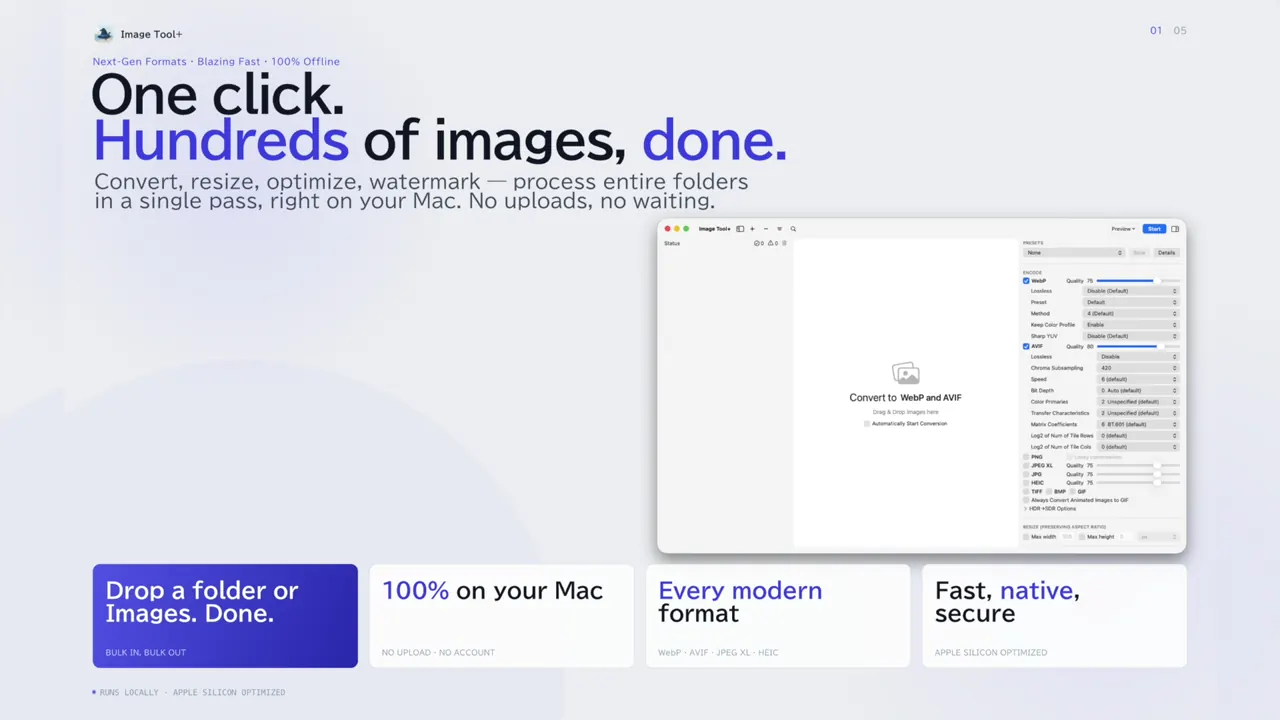
Choose Image Tool+ to handle all your image processing in one app, WebP Converter. to convert images to WebP for your website, or AVIF Converter. to ship even smaller AVIF files.

For people who want one tool for everything.
An all-in-one image processing app with conversion, resizing, compression, watermarking, background removal, and renaming. With HDR and wide color gamut support, it's built for professional photo workflows.
- Exports to 10 formats: WebP, AVIF, JPEG XL, HEIC, PNG, JPG, and more
- Background removal, watermarking, renaming, metadata editing
- Preserves HDR and wide color gamut

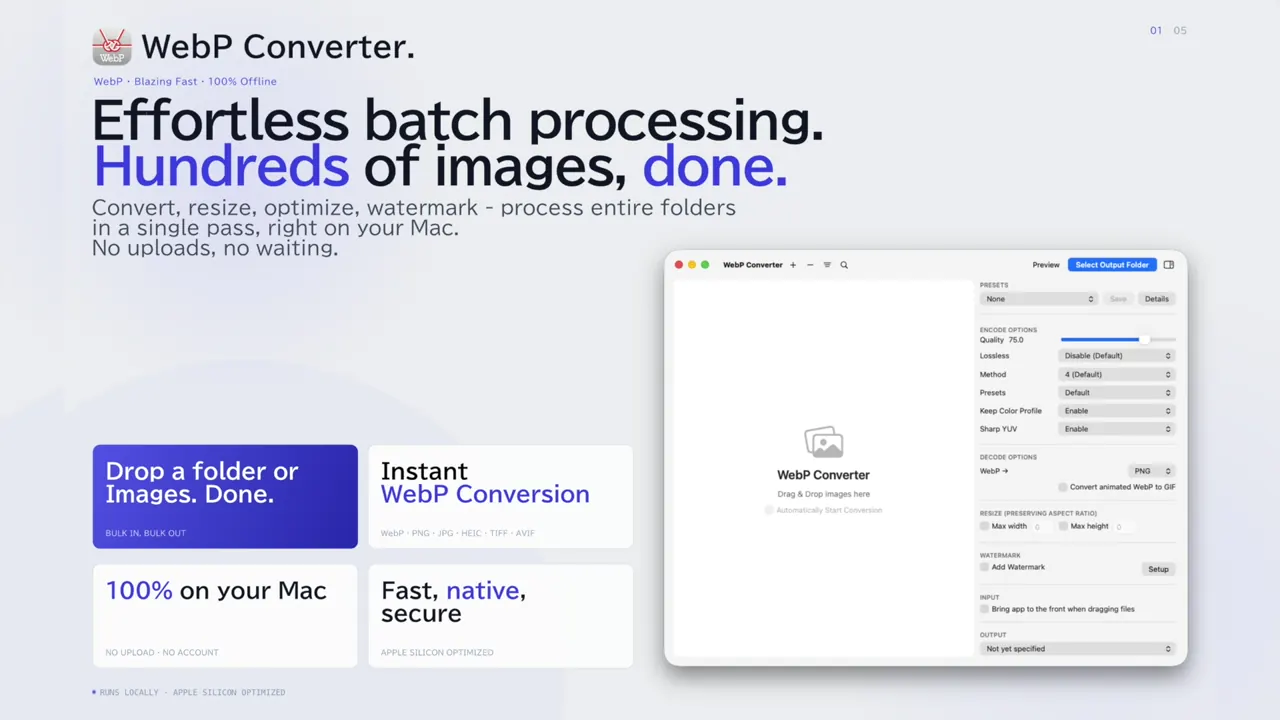
For people who want to make their websites faster.
Bulk-convert PNG, JPG, GIF, and more to WebP. A focused tool for web developers and bloggers, built to directly improve LCP in Core Web Vitals.
- Batch-converts PNG, JPG, HEIC, and GIF to WebP
- Lossy / lossless and animated WebP
- Before/after comparison slider
Get ahead with the next-gen format.
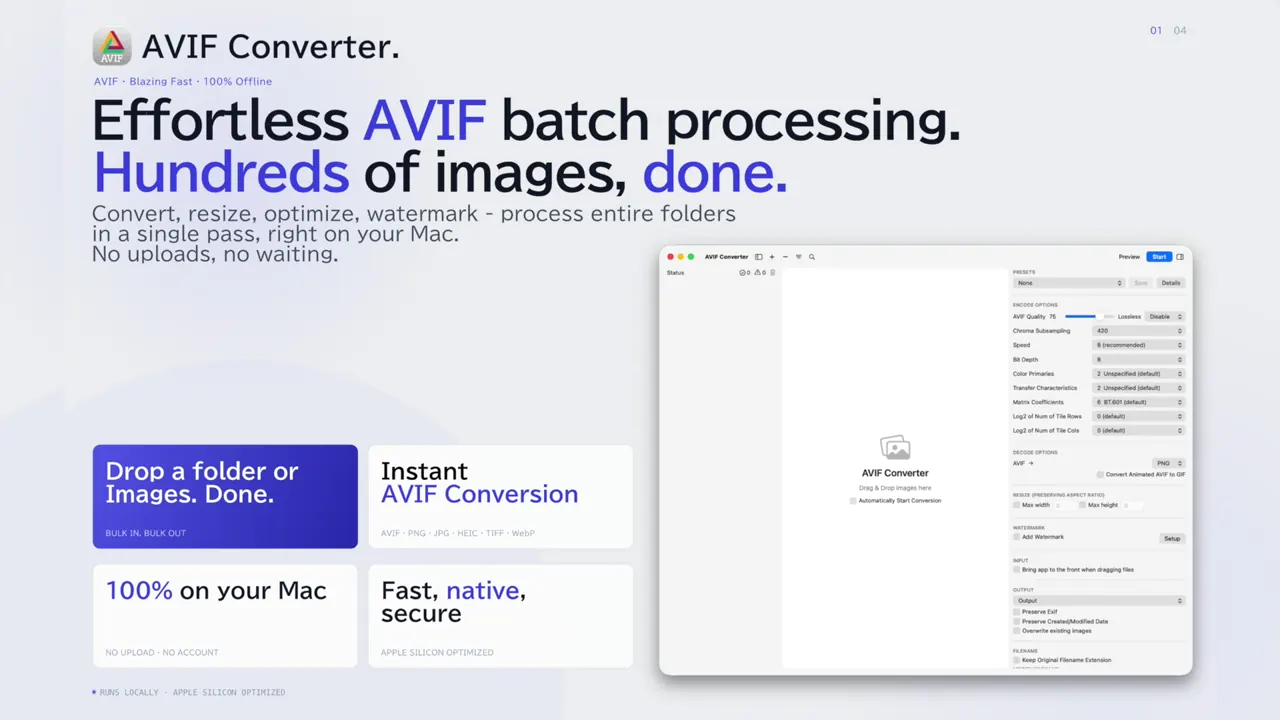
Convert images to AVIF — about 50% smaller than JPEG, with HDR, wide color gamut, and 10/12-bit depth support. Adopt the future of image delivery today.
- Batch-converts PNG, JPG, HEIC, and WebP to AVIF
- About 50% smaller than JPEG, with HDR and 10/12-bit depth
- JPEG / PNG output for fallbacks
How the three apps compare
The three apps differ in how many formats they can export and which non-conversion features they include. All of them run entirely on your Mac and never upload your images.
| Item | Image Tool+ | WebP Converter. | AVIF Converter. |
|---|---|---|---|
| Main output | 10 formats incl. WebP, AVIF, JPEG XL, HEIC, PNG, JPG | WebP (plus PNG / JPEG) | AVIF (plus JPEG / PNG) |
| Batch convert, resize, watermark | ✅ | ✅ | ✅ |
| Background removal, renaming | ✅ | — | — |
| 100% local processing | ✅ | ✅ | ✅ |
Which one should you choose?
| If you... | We recommend |
|---|---|
| Process large volumes of images daily / Are a professional photographer or designer | Image Tool+ |
| Want to convert your blog or corporate site images to WebP | WebP Converter. |
| Want to deliver smaller, better-looking images with the latest format | AVIF Converter. |
| Need background removal and watermarking in one place | Image Tool+ |
Common technical foundations
All three apps are built with Swift / SwiftUI and run natively on Apple Silicon. They use Apple's image frameworks together with reference implementations such as libwebp and libavifto balance quality and speed.
Each app runs inside macOS's App Sandbox — a strong, OS-enforced security mechanism. The app can only access files you explicitly hand to it via drag-and-drop or a file picker. "Trust us" is replaced with "the OS won't allow otherwise."
Related guides
These guides walk through image conversion on a Mac and explain how to choose a format.
- How to batch convert PNG and JPG to WebP on a Mac
- How to convert transparent PNG to WebP on a Mac
- How to batch convert images to AVIF on a Mac
- How to batch convert HEIC to JPG, PNG, or WebP on a Mac
- How to batch convert iPhone HEIC photos to WebP on a Mac
- How to batch convert images to JPEG XL on a Mac
- WebP vs AVIF: which image format should you use?
- What is an HDR image? Gain maps, PQ/HLG, and converting on a Mac
- How to share HDR photos on social media, and which platforms support them
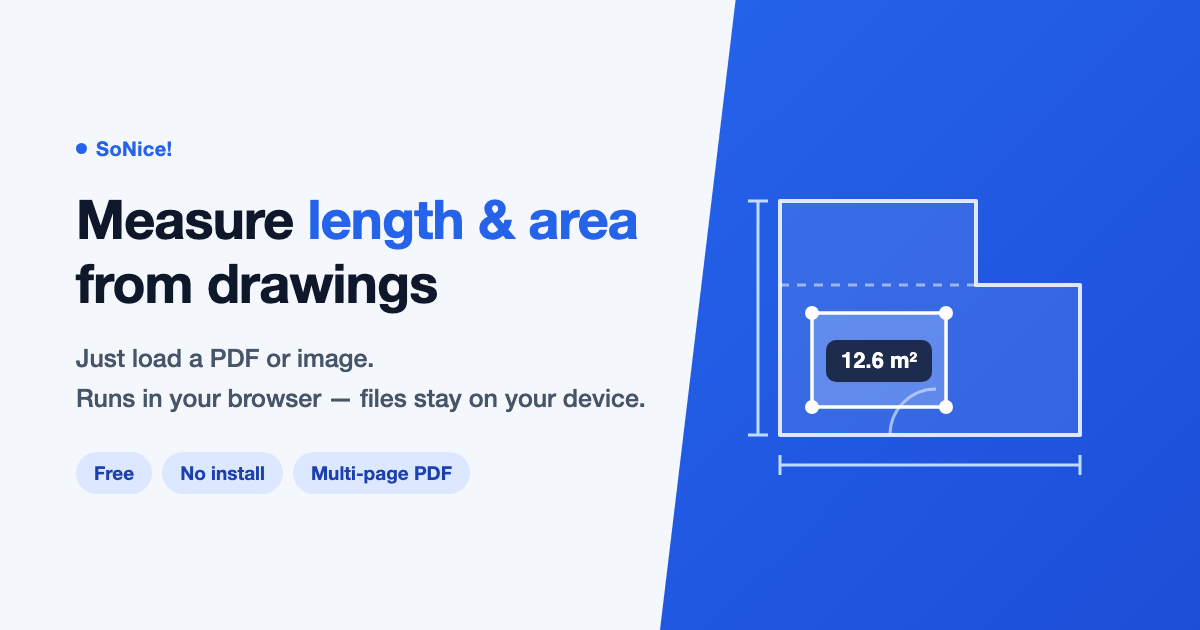
These guides explain how to measure lengths and areas on drawings.
- How to calculate floor area from a floor plan (3 ways)
- How to measure dimensions on a PDF drawing for free (4 ways)
FAQ
QWebP or AVIF — which should I pick?
<picture> with AVIF first, WebP second, and JPEG/PNG as the final fallback. AVIF-capable browsers get ~50% smaller files, WebP-capable browsers get ~30% smaller files, and older clients still see a normal image. If you have to choose one: WebP Converter. for broad compatibility, AVIF Converter. for maximum savings.QHow is Image Tool+ different from the other two?
QIs everything really local?
Web tools you can use in the browser
We also offer free tools that need no installation and run entirely in your browser.

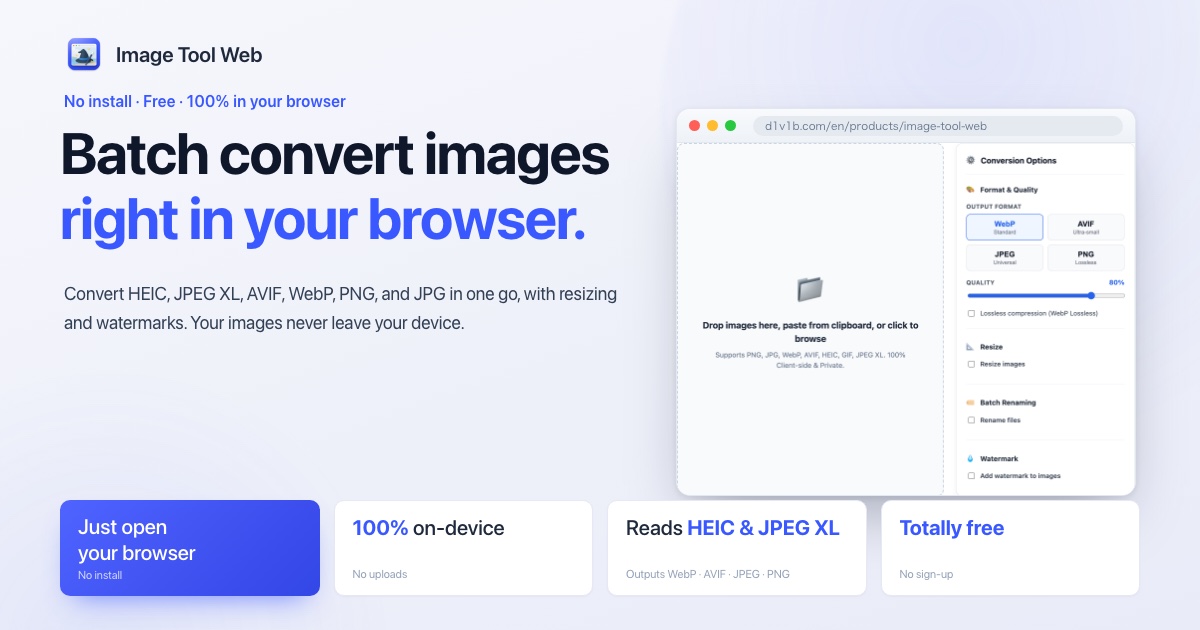
Batch convert HEIC, JPEG XL, AVIF, and more right in your browser.
Batch convert HEIC (including HDR), JPEG XL, AVIF, WebP, PNG, and JPG with custom resizing, quality, renaming, and watermarking. 100% private & client-side without uploading to any server.

For anyone who needs to measure length and area from a drawing.
Load a PDF or image drawing, match the scale, and measure length, floor area, and wall area to scale. Overlay furniture rectangles and notes too — a free, fully in-browser tool.